
Best VPN for remote work and travel (KeepYourHomeIP review)
This post has affiliate links. We earn a small commission, which helps us create better content and share amazing destinations with you at no extra cost.
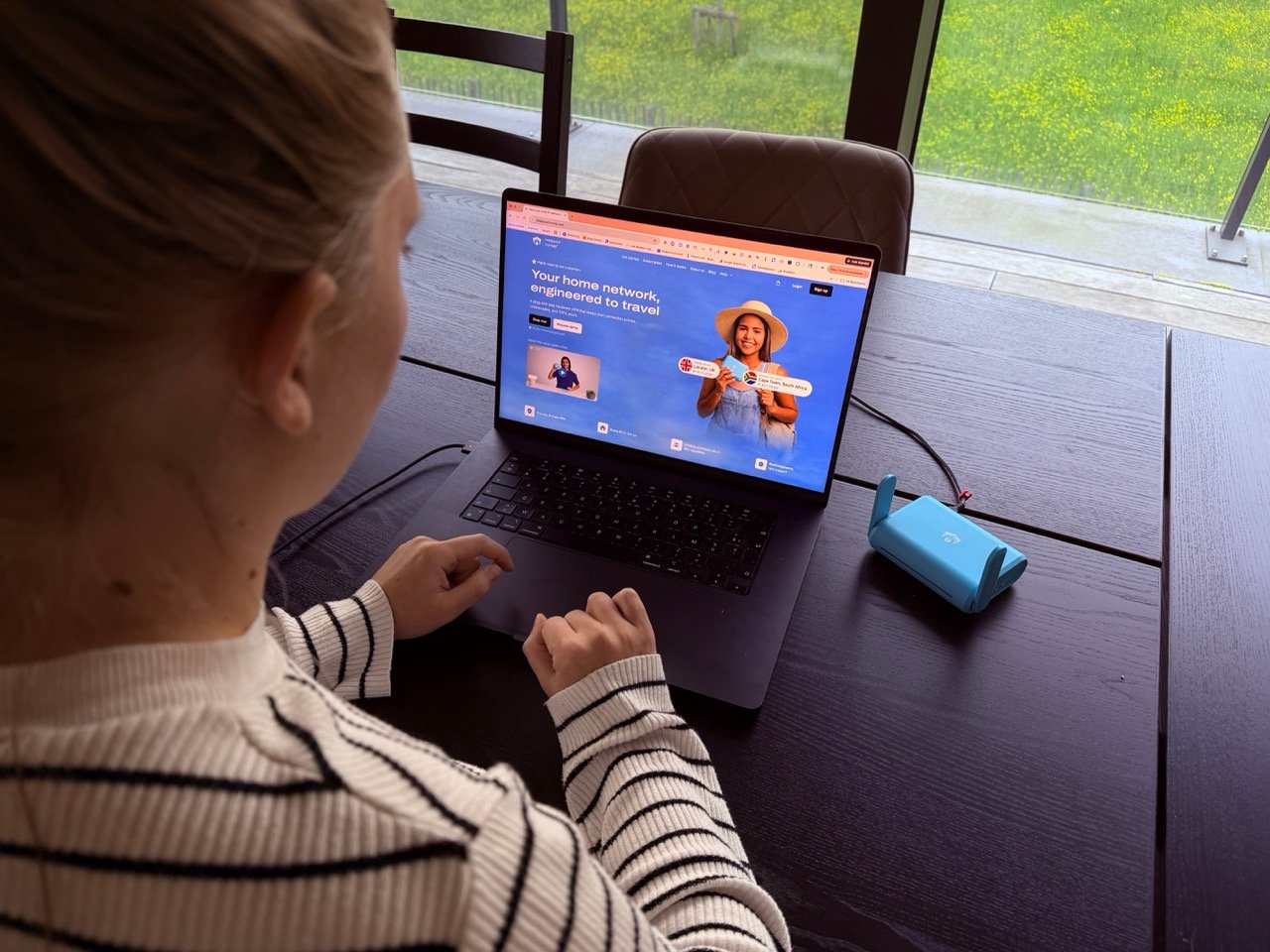
On this page
On this page
If you’re a remote worker or digital nomad trying to work from abroad without your company noticing your location, you’ve probably realized one thing pretty quickly:
👉 A normal VPN doesn’t actually solve this problem.
I ran into this myself when trying to extend a trip while still working.
Everything seemed fine… until my work systems started acting up because my location had changed.
That’s the issue.
Most VPNs change your location, which is exactly what triggers security systems, banking apps, and company logins.
👉 KeepYourHomeIP works differently.
Instead of making it look like you’re somewhere else, it makes your connection look like it’s coming from your actual home, even when you’re abroad. This makes it for us a very valuable VPN for remote work.
💻 Trying to work abroad without getting flagged?
KeepYourHomeIP keeps your connection tied to your home network, so your work systems don’t see a location change when you travel.
See how it worksIn this review, we’ll take a look at:
- how KeepYourHomeIP works (in simple terms)
- how it compares to a normal VPN service
- the real costs and setup
- and whether it’s actually worth it for remote work abroad
So if your goal is to stay abroad longer without triggering security checks, this is exactly the kind of setup you need to understand before buying.
💻 Best for remote work: KeepYourHomeIP is built for people who work abroad and need their connection to look like it’s coming from home, this is where it really stands out.
🌍 Main difference vs normal VPNs: Instead of changing your location, it keeps your home IP consistent, which helps avoid login issues, flags, and blocked access.
💸 Not for casual use: The price is higher, so it only makes sense if you work remotely often, for streaming or just browsing, a normal VPN works just as fine.
How is KeepYourHomeIP different from a normal VPN?
| Feature | KeepYourHomeIP | Typical VPN |
|---|---|---|
| Where your internet looks like it comes from | Your actual home connection | A random server owned by the VPN company |
| Setup required | One-time 5-minute setup to connect your home router | Install an app on each device |
| Will your work think you’re at home? | Yes, it looks like a normal home connection | No, it looks like a VPN and will get flagged |
| Are you sharing your IP with strangers? | No, it’s only your home IP | Yes, many users share the same IP |
| Upfront cost | $328 for economy or $468 for business hardware | No upfront cost |
| Monthly cost | $ 8 | Usually cheaper |
| Best for | Working remotely while appearing at home | Basic privacy and casual travel use |
💻 Need your work login to look like home?
If a normal VPN keeps getting flagged, KeepYourHomeIP routes your connection through your actual home network instead of a shared VPN server.
Check KeepYourHomeIP packagesMost people actually think all Virtual Private Networks do the same thing, but for remote work, that’s not true.
A normal VPN (like NordVPN, ExpressVPN…) HIDES your location by routing your internet through one of its servers.
That means your IP address changes depending on which country you connect to.
That’s great for privacy or streaming…
But it’s exactly what causes problems for remote work.
Your company’s security systems can see:
- that your IP suddenly changed countries
- that it’s coming from a known VPN provider
- or that your location is inconsistent (“impossible travel”)
And that’s when logins get flagged, blocked, or require extra verification.
KeepYourHomeIP works the opposite way
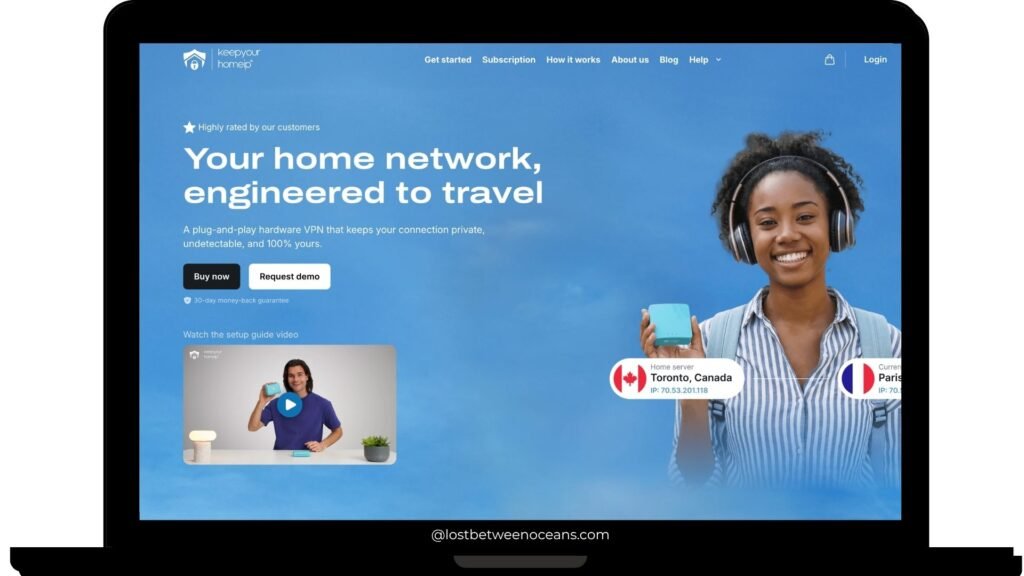
Instead of changing your location, KeepYourHomeIP keeps your location consistent.
It does this with a simple setup:
- One router stays at your home
- One router travels with you
- Your internet traffic is routed back through your home connection
So when you’re working from abroad, websites and work systems still see:
👉 your real home IP address
To them, it looks like you never left!
Why this matters for remote work
This difference is huge if:
- Your company laptop is locked down (no VPN installs allowed)
- Your work tools are sensitive to location changes
- Your bank or apps trigger alerts when you travel
My experience trying to work abroad without getting flagged
You know the feeling.
You’re on a trip, everything is going great… and then you realize you want to stay one or two more weeks, if only you could keep working without anyone noticing.
I ran into this exact problem in the past.
I was working for a government job, and the setup was very strict.
My work laptop would only function properly if I were physically in the country.
On top of that, VPNs were completely disabled on the device, so I couldn’t just “mask” my location the usual way when I was working abroad as a digital nomad.
I remember trying to extend a trip by a few days and thinking I had everything figured out… until I opened my laptop and realized it simply wouldn’t work.
Access issues, blocked systems, it was clear the setup wasn’t designed for remote work outside the country.
That’s when I understood the real limitation:
👉 It’s not just about having internet, it’s about where your connection appears to come from.
A normal VPN would not have solved this anyway. Even if I could install one, it would have flagged my location even faster.
🌍 Want to work abroad without location issues?
If your work laptop blocks non-corporate VPN apps or flags foreign logins, KeepYourHomeIP is built for exactly this problem.
See how KeepYourHomeIP worksHow to use KeepYourHomeIP
One of the biggest surprises for me was how easy this actually is to set up.
Even though it uses routers, which sound like you need to install difficult, complex, and technical items, it’s actually completely plug-and-play, so no technical knowledge is needed. In terms of user experience, a big plus!
What you get
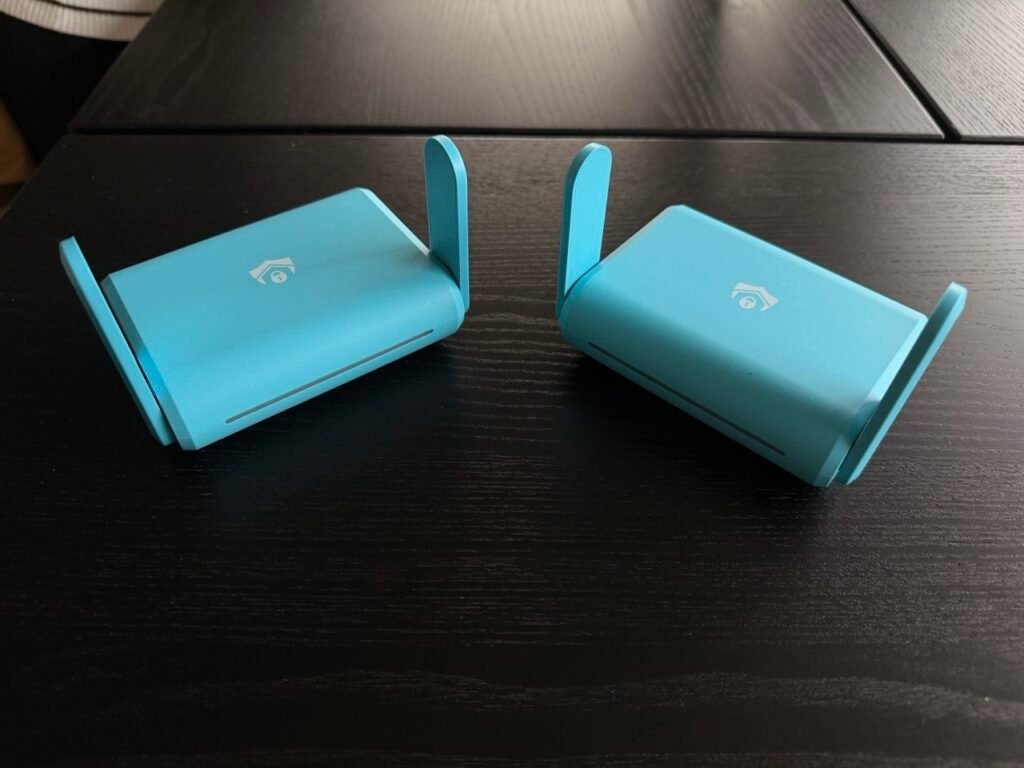
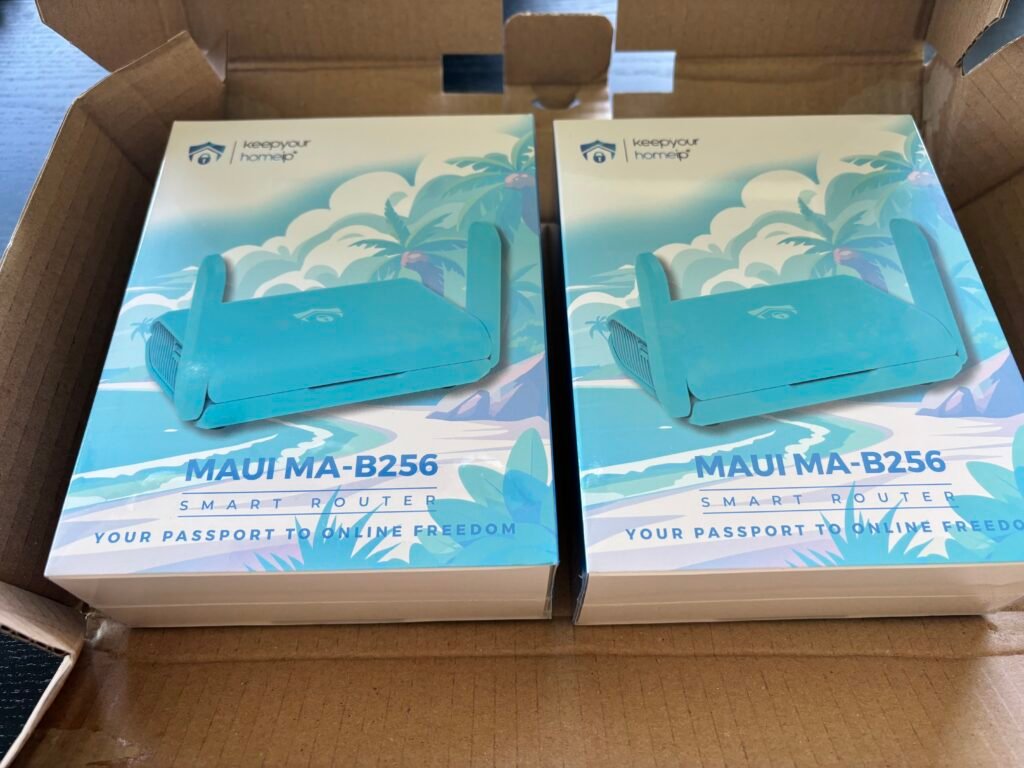
When you order KeepYourHomeIP, you’ll receive two small routers:
- 🏠 Home Router → stays plugged in at your home
- ✈️ Travel Router → comes with you wherever you go
They’re tiny (literally fit in your hand), so traveling with them is easy.
👉 INSIDER TIP: Both routers look exactly the same. By logging in on their website, you get to decide which one stays at home (as your home VPN server) and which one travels. So make sure not to switch them up!
The setup (step-by-step)
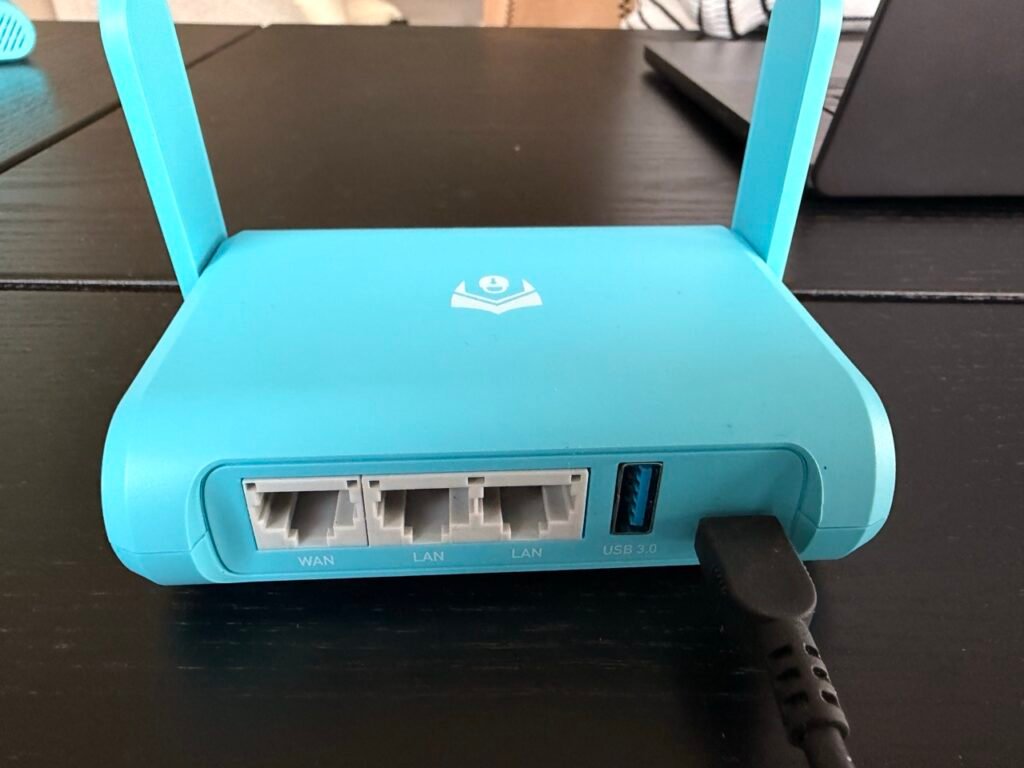
Here’s exactly what I did:
- Log in to your account: Go to the KeepYourHomeIP website and sign in.
- Scan the routers: Each router has a QR code. Scan it to connect it to your account.
- Plug both routers in: Make sure to plug them both into a power outlet and connect both with their Ethernet cable to your home wifi item)
- Wait around 2 minutes for the configuration and follow the steps.
More details in the video below
What happens after setup
- You leave the home router running at home
- You take the travel router with you
- Wherever you are, you connect your laptop to the travel router
From that moment on:
👉 Your internet traffic runs through your home connection automatically
No apps. No settings. No switching things on and off.
Things to keep in mind
Your home setup needs to stay online.
- If your home internet goes down → your connection stops
- If the router is unplugged → it won’t work
That’s the trade-off for keeping your home IP.
A limitation when working from cafés and moving around
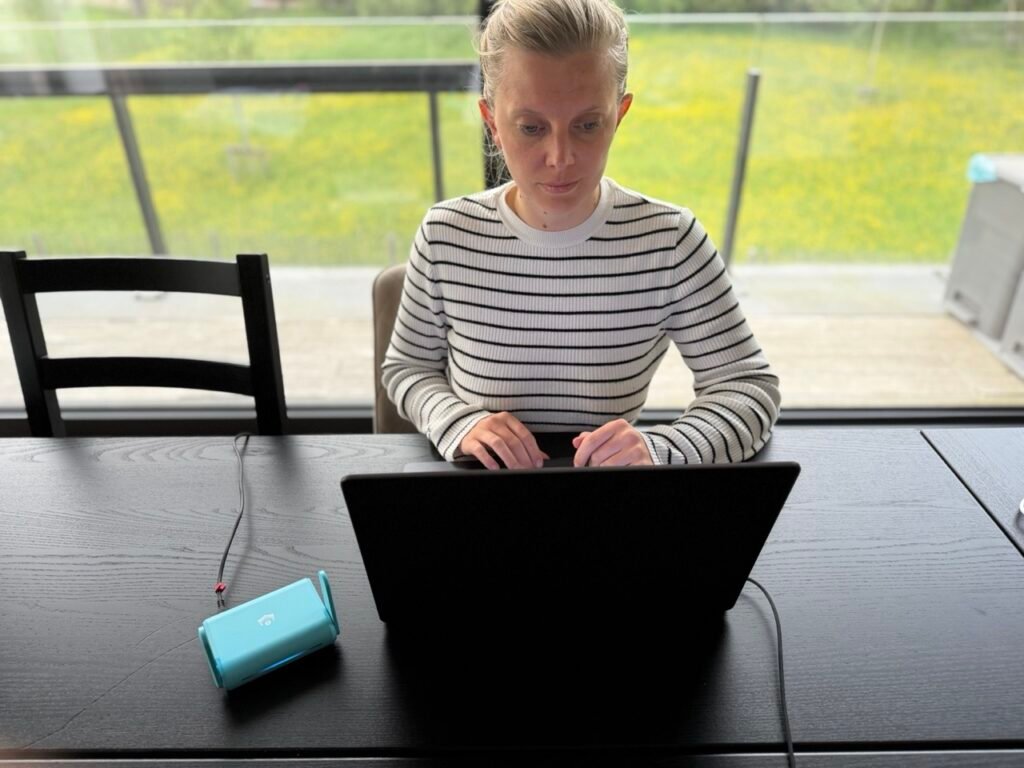
One small downside we experienced is that the Travel Router needs a power source, which is inconvenient if there is no outlet nearby.
This is not an issue when you are staying in an Airbnb or hotel for a few days, but it is slightly less practical if you just want to sit down and work for an hour from a café, park, beach, or another outdoor location.
That said, this is solved with a power bank. For example, a 20,000 mAh power bank provides around 7 to 10 hours of power, making the Travel Router much easier to use when working on the go.
What about customer support?
KeepYourHomeIP actually surprised us with their premium support. They offer:
- Fast responses to tickets
- Option to book 1-on-1 calls
- Support handled by skilled network engineers
This makes a real difference if something goes wrong while you’re abroad.
You can also check this on their Trustpilot 4.7 score, very solid!
How much does KeepYourHomeIP cost?
The biggest downside is the price.
You need to buy two items. One is the hardware, the other is the subscription.
You’re paying for the hardware:
- $ 328 for the Economy version
- $ 468 for the Business version
After that, you have to buy a subscription on their website, which costs 8 USD a month, or 96 USD for a whole year.
That’s a lot more compared to a normal VPN, but if your job depends on the VPN working, the cost quickly becomes worth it.
✅ Remote work is your main use case?
KeepYourHomeIP is more expensive than a normal VPN, but if you work remotely often, the home-IP setup can be worth the price.
View current pricingSo… is it worth it?
👉 Yes, but only if you actually need it.
This is built for people who:
- work remotely regularly
- rely on stable access for their job
- want to avoid getting flagged when working abroad
If that’s you, then this solves a very real problem that cheaper VPNs don’t.
When it’s NOT worth it
If you just want to:
- Watch Netflix abroad
- Use public WiFi safely
- Browse privately
👉 Then a normal VPN is cheaper and does the job just fine.
Is KeepYourHomeIP the best VPN for remote work?
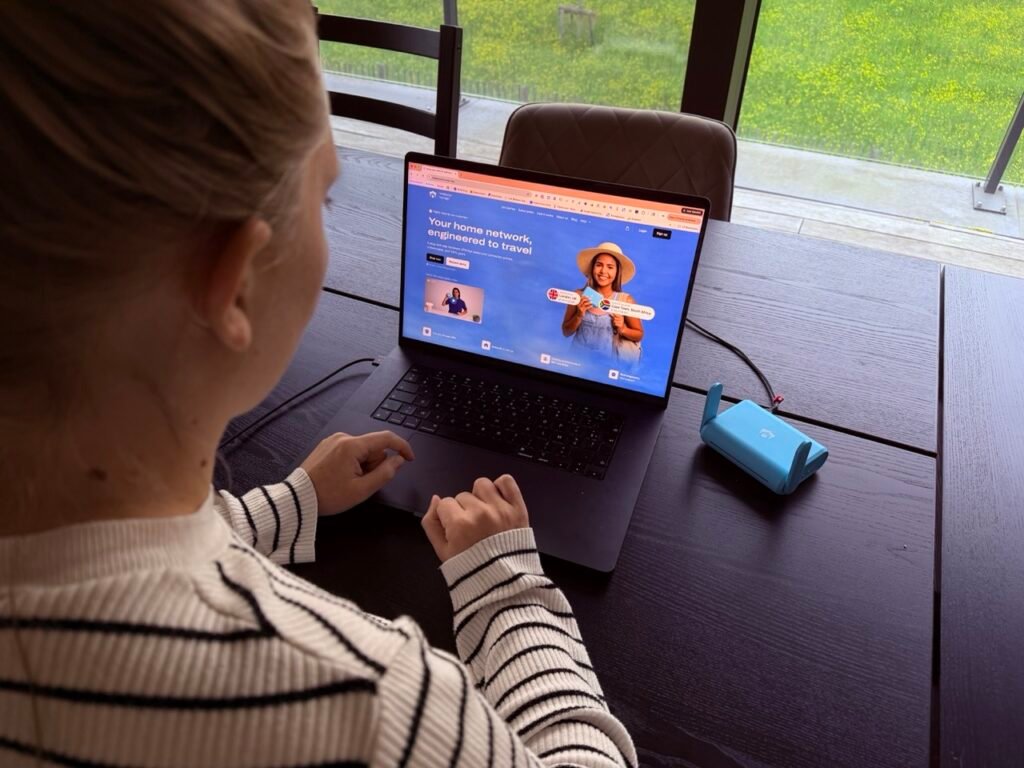
👉 Yes, for remote work, it’s the best solution available.
There are very few alternatives that solve this issue as reliably.
If your goal is to work from abroad while keeping your connection looking like it’s coming from home, this is exactly what it’s built for, and it does that really well.
But if you just want to stream Netflix, then a normal VPN is cheaper and does the job perfectly.
Related Posts




*If you purchase something through our links, we may earn a small fee. However, you still pay the same (or even get a discount). Win-win! And one day we may get to be full-time travel bloggers!
Please check our affiliate disclosure policy for more details. Your suppport is appreciated!
We share travel guides for couples who want a little luxury, a lot of heart and lifelong stories to tell!
Laura and Alexander
Founders of Lost Between Oceans

Reviews
Lost Between Oceans gave me and my husband the perfect tips and destinations to plan our dream honeymoon in French Polynesia, making the experience stress-free.

I never thought I’d dare to go diving in a cenote and surfing in Mexico. Their travel guides made me more confident and adventurous, overcoming my travel fear of the unknown. Thank you!
I looked up Lost Between Oceans for last-minute tips about my roadtrip in the Amalfi Coast. They showed me the best cliffside villages and hidden beaches. This saved me a lot of time researching everything myself!



Related Posts